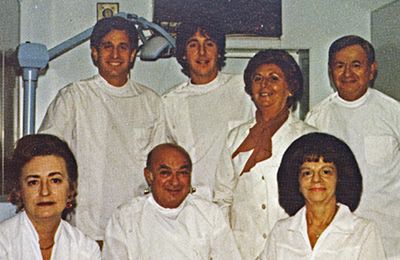
 Our History
 Our Providers
 About Us
 Blog
Blog
 Contact us
 Diagnostic & Preventive
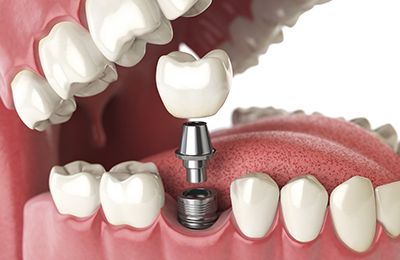 Dental Implants
 Clear Braces - Invisalign
 Cosmetic Dentistry
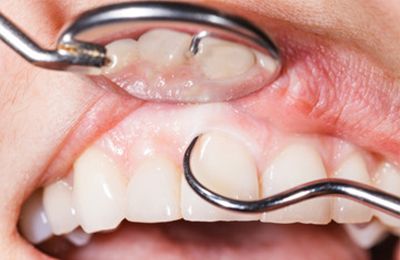 Periodontics
 Patient Forms
 Payment Information
 Insurance Options
 CareCredit Dental
 Appointment Policy
 Free Consultation
 Complimentary Teeth Whitening
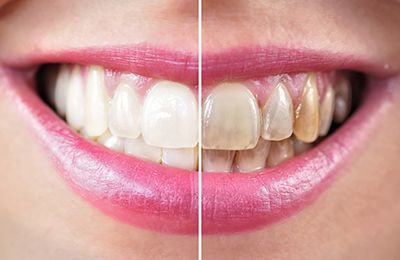 Teeth Whitening
Button Usage Guide Shortcode
All Buttons Shortcode
Special Note: In the shortcode examples above you may notice a full stop . immediately after the opening bracket (e.g., [.ct_buttons]).
This dot is added only for documentation and front‑end rendering purposes so the shortcode text itself is visible on the page.
When you actually use the shortcode inside WordPress, you must remove the dot and write it as [ct_butto .
If you leave the dot in place, WordPress will not recognize the shortcode and it will simply display the text instead of rendering the buttons.
Always ensure your shortcode starts directly with the shortcode name after the opening bracket, like [ct_button ...].
All Buttons (custom button with icon)
[.ct_buttons buttons=”call, book, request, directions, testimonials, custom” icon=”true”]
All Buttons (custom button without icon)
[.ct_buttons align=”mobile-center” buttons=”call, book, request, directions, testimonials, custom” icon=”false”]
All Buttons Alignment
Left Aligned
[.ct_buttons align=”left” buttons=”call,book,directions”]
Note: “Left Aligned” is the default alignment, so you can also use the shortcode without the align attribute for the same result:
[.ct_buttons buttons=”call,book,directions”]
Center Aligned
[.ct_buttons align=”center” buttons=”call,book,directions”]
Mobile Center Aligned
[.ct_buttons align=”mobile-center” buttons=”call,book,directions”]
Single Buttons Usage
Call Button
[.ct_buttons buttons=”call”]
Book Button
[.ct_buttons buttons=”book”]
Request Button
[.ct_buttons buttons=”request”]
Directions Button
[.ct_buttons buttons=”directions”]
Testimonials Button[.ct_buttons buttons=”directions”]
[.ct_buttons buttons=”testimonials”]
Custom Button
[.ct_buttons buttons=”custom” icon=”true”]
Custom Button Usage
Custom Button with Icon
[.ct_buttons buttons=”custom” icon=”true”]
Custom Button without Icon
[.ct_buttons buttons=”custom” icon=”false”]
if icon attributue not set, default is false so icon is not displayed
[.ct_buttons buttons=”custom”]
Custom Button with Custom Link and Text
if target attributue not set, default is “_self”
[.ct_buttons buttons=”custom” link=”https://www.google.com” text=”Google” ]
Custom Button with Custom Link and Text (Link open in new tab)
[.ct_buttons buttons=”custom” link=”https://www.google.com” text=”Google” target=”_blank”]