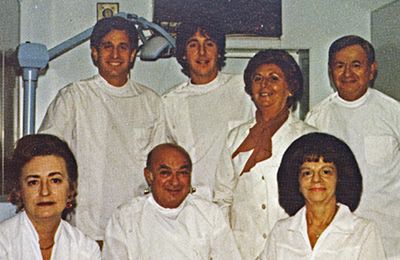
 Our History
 Our Providers
 About Us
 Blog
Blog
 Contact us
 Diagnostic & Preventive
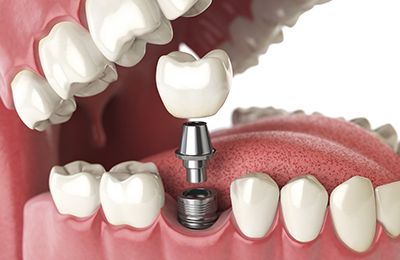 Dental Implants
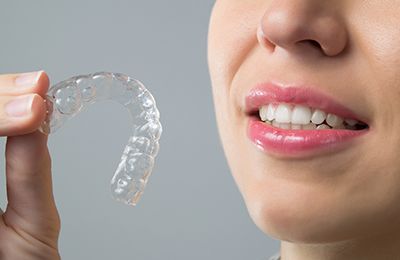 Clear Braces - Invisalign
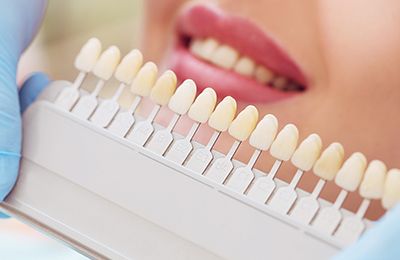 Cosmetic Dentistry
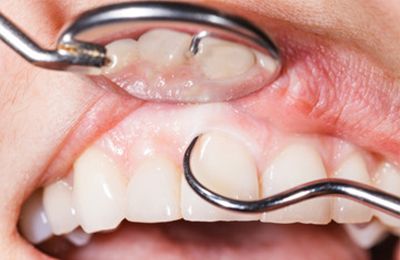 Periodontics
 Patient Forms
 Payment Information
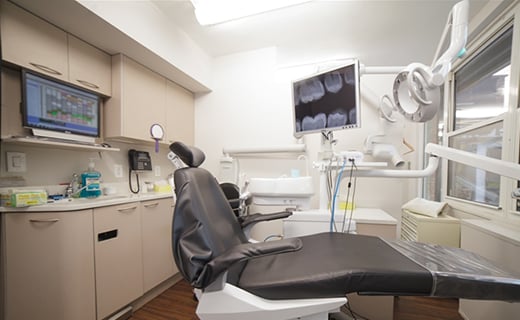 Insurance Options
 CareCredit Dental
 Appointment Policy
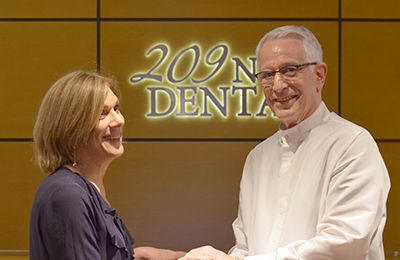 Free Consultation
 Complimentary Teeth Whitening
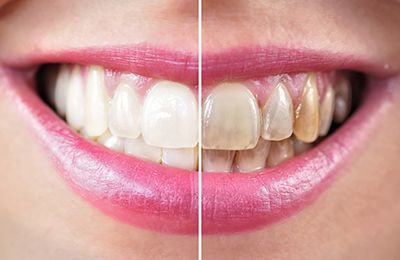 Teeth Whitening
Button Usage Guide
DEFAULT BUTTONS to be used on all pages as the main CTA
with default left align
BUTTONS ONLY FOR BOOK APPOINTMENT PAGE
all button with default left align
button center align all screens
button center align mobile only
EVENT TRACKING
Phone call
Call Us Now
<a class=”ct-button call-button” href=”tel:2123552290″>
CRM Online Form Click
request appointment online
<a class=”ct-button request-online” href=”https://nyc.identalcloud.com/209NYCDental/Patient/_practice/1/Appointment”>
Book Appt Page Visit
Book Appointment Online
<a class=”ct-button book-online” href=”https://www.209nycdental.com/book-appointment/”>
Get Directions
<a class=”ct-button get-direction” href=”https://g.page/209NYCDental?share” target=”_blank” rel=”noopener”>
view testimonials
<a class=”ct-button view-testimonials” href=”https://www.209nycdental.com/patient-testimonials-reviews/”>
MISC icon click
<a class=”ct-button icon-none” href=”#”>
Service Button, i.e. for misc services
<a class=”ct-button normal” href=”#”>service button</a>